
OpenFOAM Tutorial: Understanding the Case Folder Structure
Blog post description.
ARTICLES
Wiratama
3/7/20263 min read
OpenFOAM simulations are organized using a structured directory called a case folder. Understanding this folder structure is one of the most important steps for beginners because nearly every simulation in OpenFOAM follows the same organizational pattern. Unlike many CFD tools that rely heavily on graphical interfaces, OpenFOAM uses text-based configuration files stored inside specific directories. Once users understand how these folders interact, it becomes much easier to set up, modify, and troubleshoot simulations.
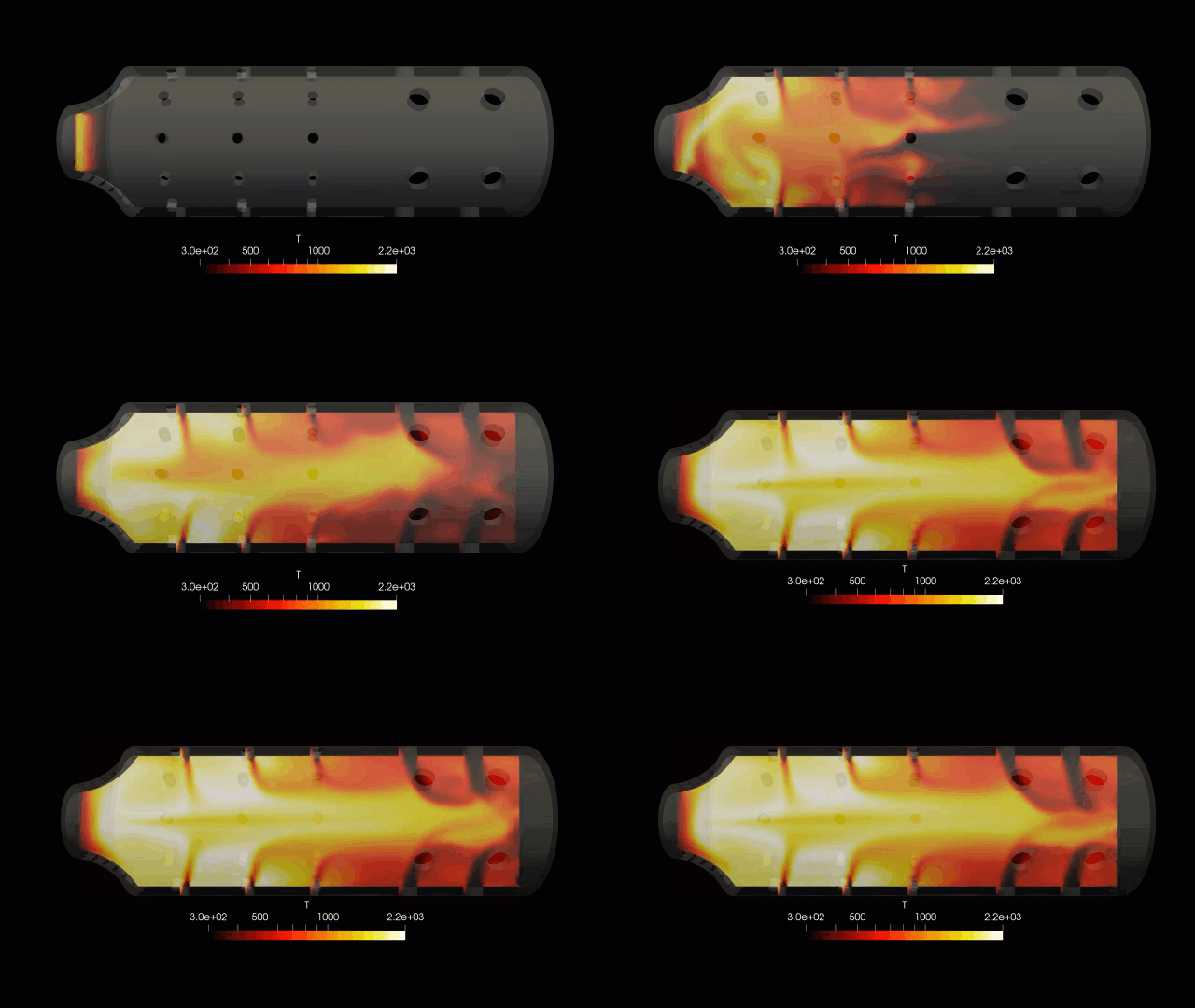
A typical OpenFOAM case contains several directories and files that together define the entire simulation. The three most important folders are the 0 folder, the constant folder, and the system folder. These folders contain the main inputs required for running a CFD simulation, including boundary conditions, physical properties, mesh information, and solver settings.
The 0 folder contains the initial conditions and boundary conditions for the simulation variables. These variables typically include fields such as velocity, pressure, temperature, or turbulence quantities depending on the type of simulation being performed. Each variable is stored in its own file. For example, a simple incompressible flow simulation usually contains files such as U for velocity and p for pressure. Inside these files, users define both the initial values inside the domain and the boundary conditions at surfaces such as inlets, outlets, and walls.
Boundary conditions are especially important because they define how the fluid enters, exits, or interacts with surfaces in the simulation domain. Each boundary patch is assigned a specific type such as fixedValue, zeroGradient, or other specialized conditions depending on the physics being modeled. Beginners often spend a lot of time learning how to correctly define these boundary conditions because incorrect settings can lead to unrealistic results or solver instability.
The constant folder contains information that remains unchanged during the simulation. This folder typically includes the mesh description and physical properties of the fluid or materials involved in the problem. One of the most important subfolders inside constant is the polyMesh directory. This directory stores the mesh data, including the list of points, faces, cells, and boundary patches that define the computational grid.
The constant folder may also include files that describe transport properties such as viscosity, density, or thermal conductivity. These properties are used by the solver to calculate how momentum, energy, or other quantities move through the fluid. In more advanced simulations, the constant directory may also contain turbulence models, thermophysical models, or multiphase properties.
The system folder controls how the simulation is executed numerically. This folder contains several important configuration files that determine how equations are solved and how the simulation progresses in time. One of the most important files in this directory is controlDict. This file defines parameters such as the start time, end time, timestep size, and how frequently results are written to disk.
Another important file in the system folder is fvSchemes. This file specifies the numerical discretization schemes used for different terms in the governing equations. For example, it defines how gradients, divergences, and laplacians are calculated. The choice of discretization scheme influences both the accuracy and stability of the simulation.
The system folder also contains the fvSolution file. This file defines the solver algorithms used to solve each equation, including pressure solvers, velocity solvers, tolerance levels, and relaxation factors. Adjusting these settings can help improve convergence behavior and solver stability.
When a simulation runs, OpenFOAM generates additional directories representing simulation time steps. These directories are typically named with numbers such as 0.1, 0.5, or 10 depending on the timestep settings. Each time directory contains the calculated field values at that particular moment in the simulation. These results can then be visualized using post-processing tools such as ParaView.
In addition to the main folders, many cases also contain utility scripts such as Allrun or Allclean. These scripts automate common tasks such as generating meshes, running solvers, and cleaning old simulation results. Beginners often use these scripts when running tutorial cases because they simplify the execution process.
Understanding the case folder structure is essential because it provides a clear map of how OpenFOAM simulations are organized. Instead of relying on graphical menus, users directly control the simulation by editing files inside these folders. While this approach may feel unusual at first, it offers great flexibility and transparency once users become familiar with it.
For beginners, the best way to learn the case structure is by examining tutorial cases provided with OpenFOAM. Opening these cases and reading the files inside each folder helps reveal how the different components of a simulation interact. Over time, users begin to recognize patterns in how cases are constructed and can start building their own simulations more confidently.
Mastering the OpenFOAM case folder structure is a foundational skill that makes every other aspect of the software easier to understand. Once users become comfortable navigating these directories and editing configuration files, they gain the ability to fully control their simulations and explore more advanced CFD modeling techniques.
cfdcourse.com
Contact
wiratama@pttensor.com
+62-821-3868-4162
© 2026. All rights reserved.